iOS & macOS Application

PST Reader

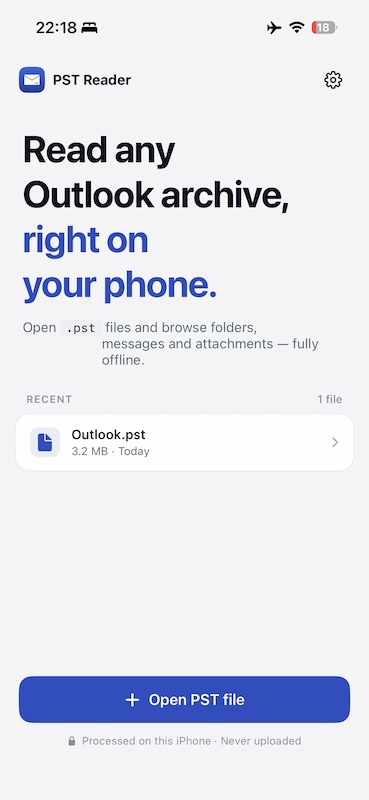
Open Outlook archives, right on your phone. Browse folders, messages and attachments inside any .pst file. Fully offline. No conversion, no uploads.

Download PST Reader on the App Store

Coming Soon

PST Reader App Icon
Overview

Why PST Reader?

Outlook .pst files are hard to open outside of Microsoft Outlook on Windows. If a colleague sends you a mail archive, or you have an old backup or an export from a corporate mailbox, the iPhone simply can't open it. PST Reader fixes that.

How it works: pick a .pst file from Files, iCloud Drive, or any document provider. The app parses it locally, with no cloud and no conversion step, and lets you walk through the folder tree, read messages with full HTML formatting, and preview attachments. Both modern Unicode (Outlook 2003+) and legacy ANSI archives are supported.

Built natively for iPhone, iPad and Mac. On Mac, you can pop messages into their own windows. Everything happens on the device, so your mailbox never leaves your machine.

Features

What You Get

📂 Browse the Full Folder Tree

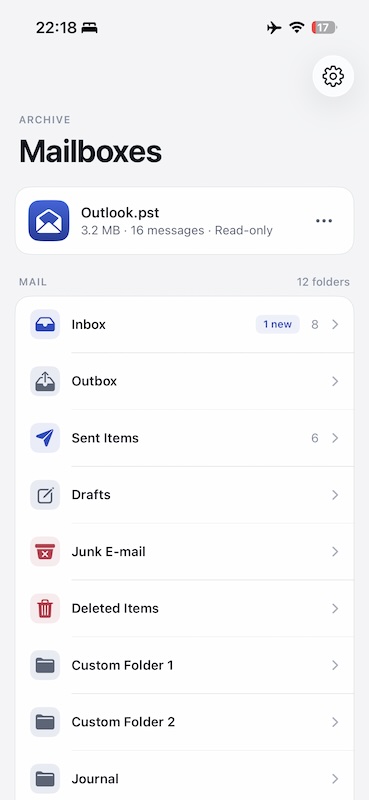
Inbox, Sent Items, Deleted Items, custom folders. The entire Outlook hierarchy is preserved. Tap to drill down, swipe to go back. Folder counts and unread badges included.

✉️ Read Messages, Properly Formatted

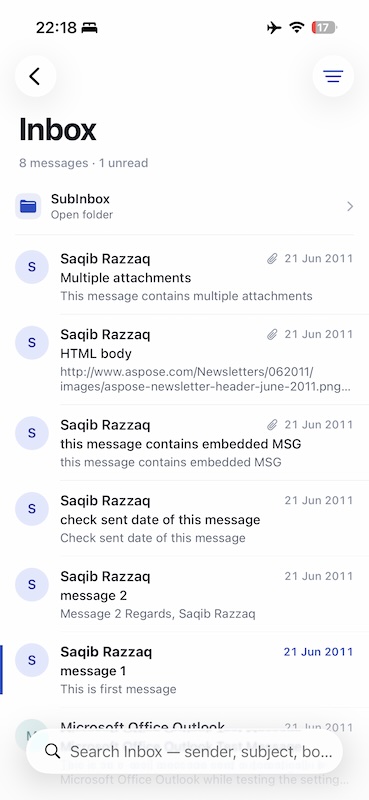
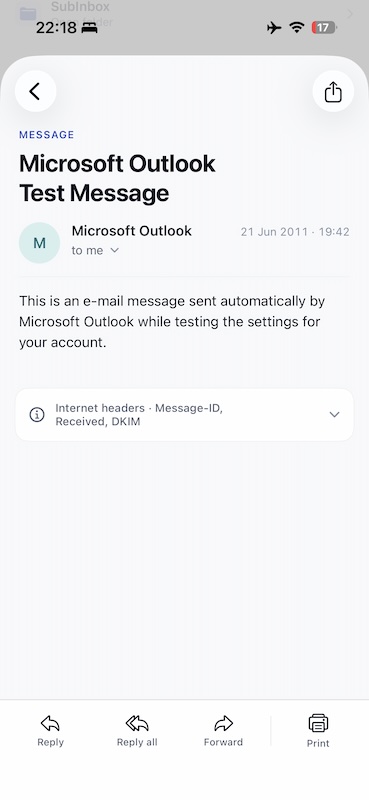
HTML and rich-text bodies render with original styling. Headers, recipient lists, timestamps, and inline images all come through. Plain-text fallbacks for older messages.

📎 Preview & Save Attachments

Open PDFs, images, Office documents, and more straight from the message. Share or save attachments to Files using the native iOS share sheet.

🗂️ Unicode & ANSI Support

Modern .pst files (Outlook 2003 and later) and legacy ANSI archives are both handled by a custom-built parser. No hidden conversion step, no data loss.

📱 Native iPhone, iPad & Mac

One purchase, every Apple device. The Mac version supports double-clicking a row to open a message in its own window, plus a proper Settings pane in the menu bar.

🕓 Recent Files

Recently opened archives stay one tap away. Bookmarked file references survive between launches so you don't have to navigate Files every time.

✨ Try It With a Sample

No PST file handy? Open the bundled demo mailbox to explore the app. Emails, contacts, and events included.

🔒 Privacy-First

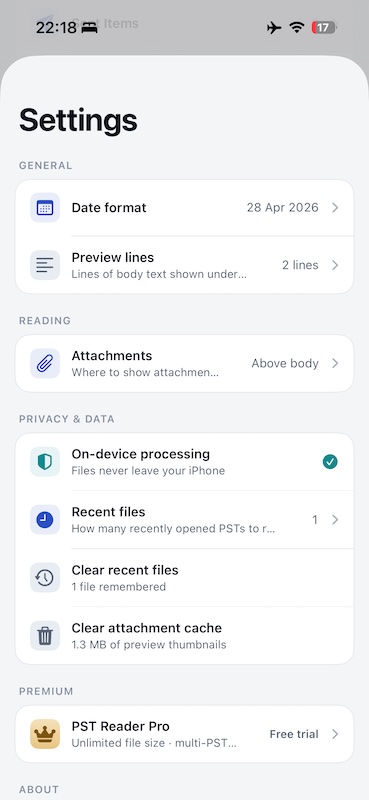
Files are processed entirely on-device. Nothing is uploaded, nothing is shared, and the app works in Airplane Mode. Your mailbox stays yours.

Screenshots

See It in Action

Under the Hood

Built With

Swift SwiftUI Custom PST Parser StoreKit 2 Keychain Async/Await macOS Catalyst MVVM

Pure Swift with SwiftUI, a single codebase across iPhone, iPad and Mac. The PST format is parsed by a hand-written, fully native parser: node and block B-trees, on-disk encryption (Compressible Encryption and High Encryption), both Unicode and ANSI variants, plus an LRU cache layer that keeps repeated message opens fast.

Premium entitlement is verified with StoreKit 2 via signed transactions, and a tamper-resistant counter (Keychain-backed) enforces the daily free read limit. Security-scoped bookmarks let recent files survive across launches without re-prompting. Multi-window message scenes on macOS round out the experience.

Pricing

Free to Start

Free

  • ✓ Open any .pst file
  • ✓ Browse folders & message lists
  • ✓ 10 message reads per day
  • ✓ Sample mailbox included
  • ✓ Recent files

Premium

  • Unlimited message reads
  • ✓ All attachment previews
  • ✓ Priority support
  • ✓ Support indie development

Monthly subscription. Cancel anytime.

The free tier is enough to recover a few important emails. Premium is for users with large archives to comb through.

Privacy

Your Mailbox Stays Yours

All parsing happens 100% on-device. .pst files are never uploaded, never copied to any server, and never shared with third parties. No account required. The app works fully offline.

Support

Questions?

Have feedback, questions, or need help? I'd love to hear from you:

ev.kryzhanivskyi@gmail.com

Fullscreen Screenshot