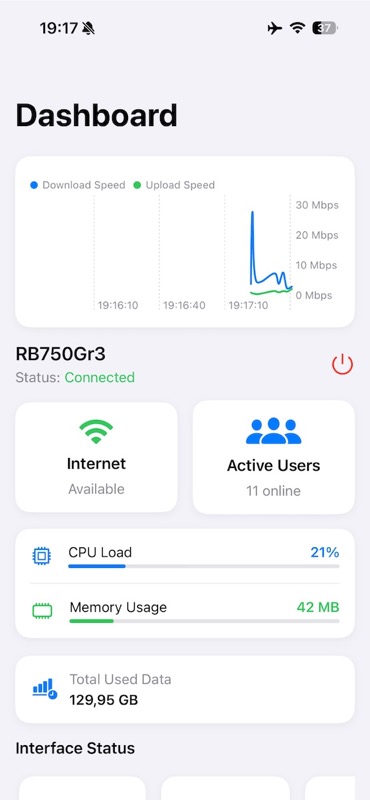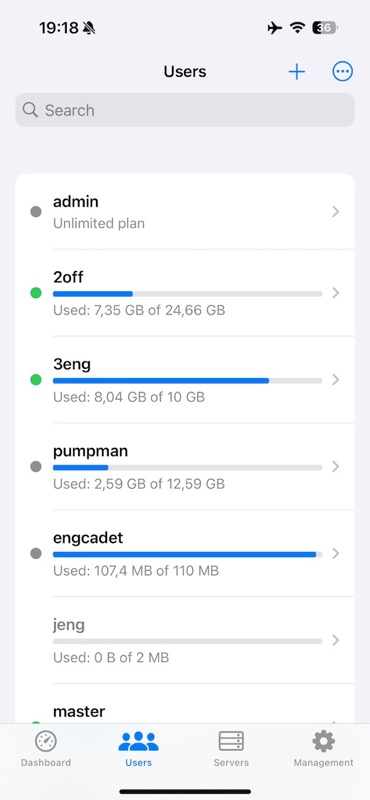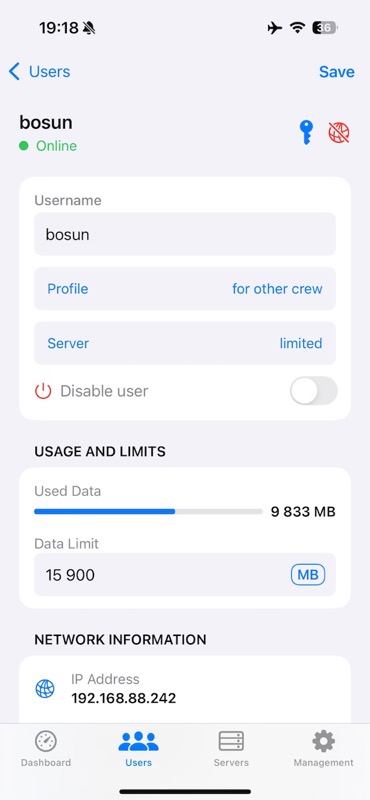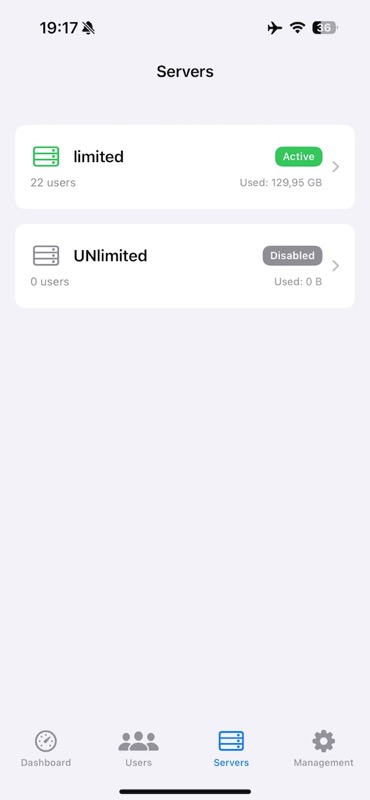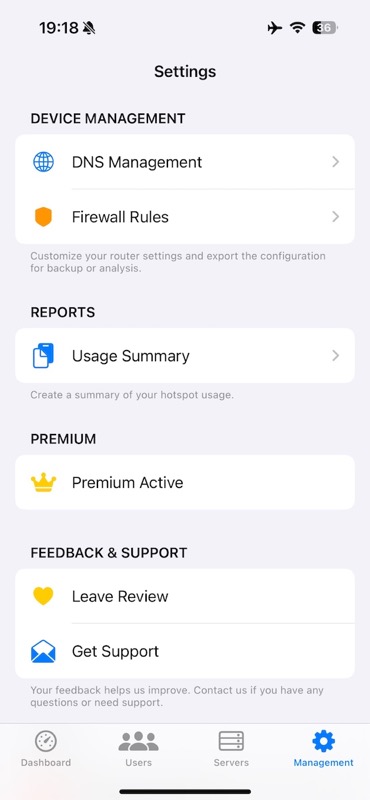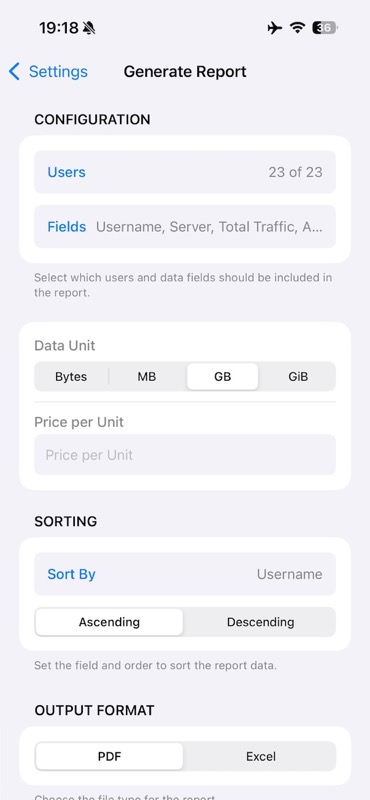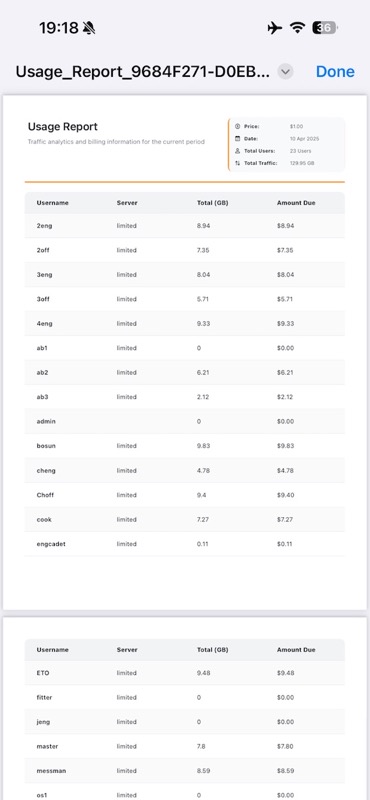
Mikrolink Hotspot is a mobile app designed to monitor and manage local RouterOS-based hotspot systems directly from your iPhone or iPad. Set up users, control traffic, adjust DNS or firewall rules, and access real-time network stats — all through a secure API-based connection.

Mikrolink Hotspot is a specialized tool for managing hotspot environments powered by RouterOS. Ideal for administrators and IT professionals, it enables fast, on-the-go control without requiring a laptop or Winbox.
The app connects to your local RouterOS device using a secure API-based approach. Whether you're setting bandwidth limits, inspecting active sessions, or adjusting DNS entries, Mikrolink Hotspot helps you do it quickly and safely.
Everything is built for clarity and speed: no clutter, no unnecessary menus — just the tools you need when you need them.
Keep an eye on router performance, connected users, traffic patterns, and system resources in real time with intuitive visualization and statistics.
Create, edit, and delete hotspot users with ease. Set bandwidth limits, time restrictions, and access parameters through a simple interface.
Inspect detailed usage statistics, session status, traffic limits, MAC/IP addresses, and connection details for all hotspot users.
Manage DNS entries and firewall rules directly from your mobile device, with automated validation to prevent configuration errors.
Control server status, restart services, and manage network interfaces with just a few taps, reducing downtime during maintenance.
Mikrolink Hotspot leverages SwiftUI for its modern, responsive interface and Combine framework for efficient reactive programming. The app implements secure API authentication with the MikroTik RouterOS API and uses advanced data visualization components to present network statistics in an easily digestible format.
Mikrolink Hotspot does not collect or transmit any personal data. Your credentials and connection details are securely stored on your device only.
If you have any questions, feedback, or need technical support for Mikrolink Hotspot, please feel free to contact us: